Active vs. Passive HDMI Adapters: What’s the Difference?
1.0 What Is a Passive HDMI Adapter?
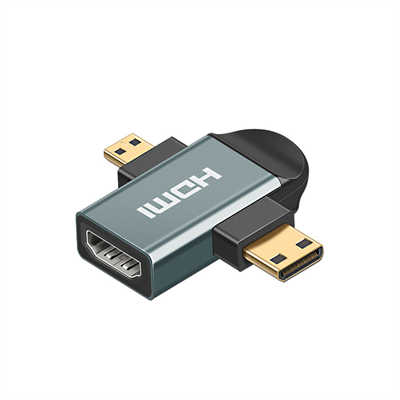
A passive adapter is simple, so it only changes the plug shape.
It has no chip inside, so it does not convert the signal.
Thus, the signal stays the same from source to display.
You can use it for short distances, but both devices must support the same signal type.
For example, HDMI to DVI works fine, yet HDMI to VGA will fail.
Also, it is cheap and needs no extra power.
2.0 What Is an Active HDMI Adapter?
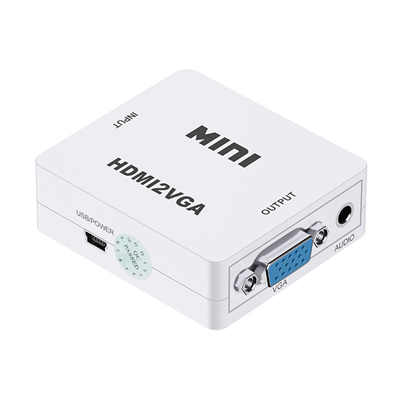
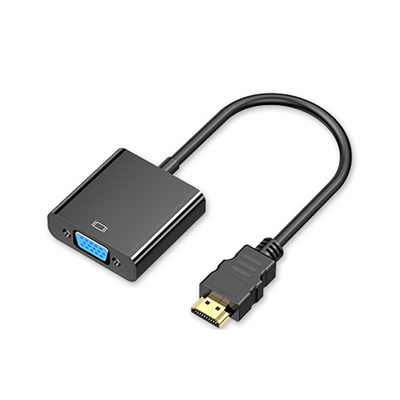
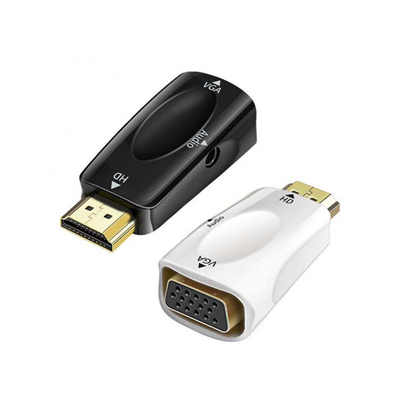
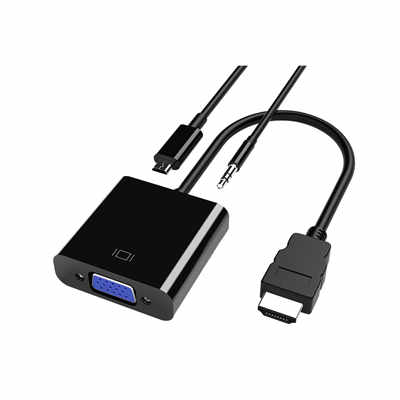
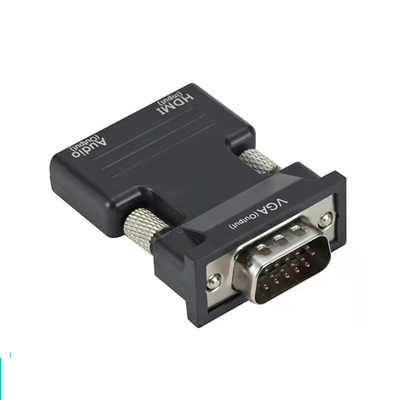
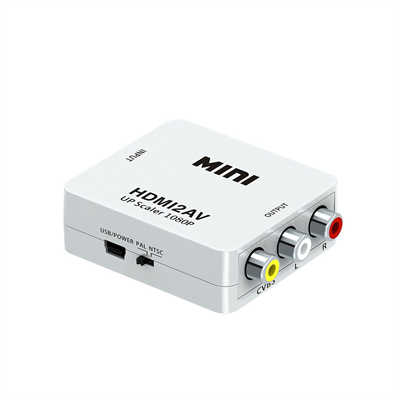
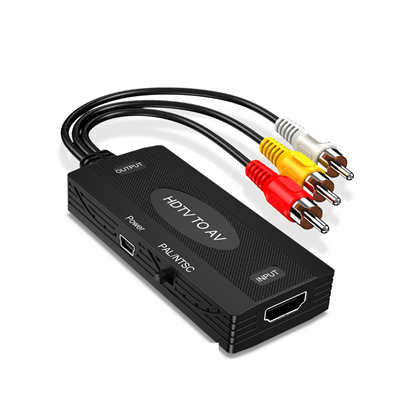
An active adapter has a built-in chip, so it converts the signal.
It reads the incoming signal, then changes it to another format.
For instance, it turns digital HDMI into analog VGA.
Thus, it works where passive adapters cannot.
However, it often needs external power, like a USB cable.
Also, it costs more, but it supports long cable runs and older displays.
3.0 Key Differences
| Feature | Passive Adapter | Active Adapter |
|---|---|---|
| Has a chip | No | Yes |
| Needs power | No | Often yes |
| Converts signal type | No | Yes |
| Works for long distances | No | Yes |
| Price | Cheap | More expensive |
4.0 Which One Should You Choose?
Choose passive if you just need a shape change, and both devices use the same signal.
Also, pick it for short distances, plus you want a low-cost solution.
Choose active if you need to convert signal types, or the cable run is long.
Also, use it when your source has low output power, so the chip helps boost the signal.
5.0 Conclusion
Passive adapters are cheap and simple, but they only work for direct plug changes.
Active adapters have a chip, so they convert signals and solve more problems.
Thus, check your devices first, then pick the adapter that fits your needs.
📖 Related Featured Articles

RCA vs. HDMI: Which has better quality for retro gaming?
RCA vs. HDMI for retro gaming: Can a cheap converter beat analog? We analyze signal latency, upscali...

DisplayPort to VGA vs HDMI to VGA: Which adapter is faster? - WinFitin
Both work well, but DisplayPort to VGA adapters often support higher refresh rates and resolutions d...

HDMI to SDI Converters Why Broadcast Professionals Use Them
Discover why broadcast pros rely on HDMI to SDI converters for stable, long-signal-run productions....

How to Choose the Right HDMI Adapter for Your Device? - WinFitin
Select the correct HDMI adapter for your laptop, tablet, or console. Compare USB-C, DisplayPort, Min...