HDMI Splitter vs. HDMI Switch: What’s the Difference? (And Why Most People Buy the Wrong One)
At first glance, HDMI splitters and switches look almost identical. They’re small plastic or metal boxes, they cost roughly the same (between $15 and $60), and both feature multiple HDMI ports. Yet, swapping one for the other will instantly break your intended setup.
So, what’s the real difference? Quite simply:
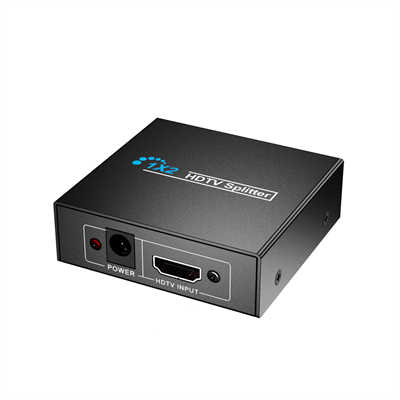
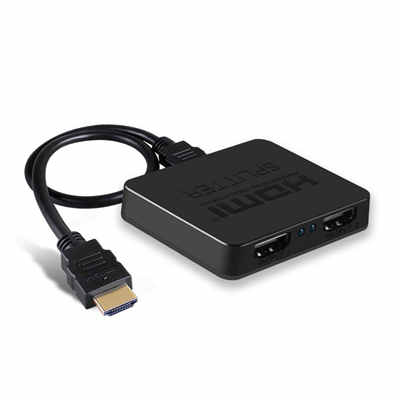
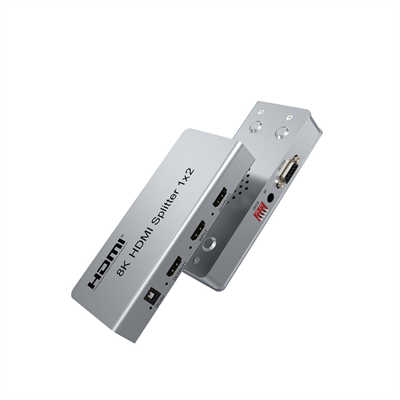
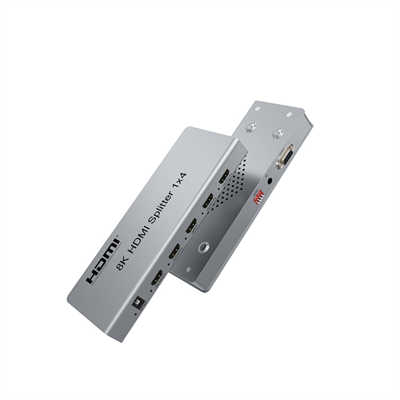
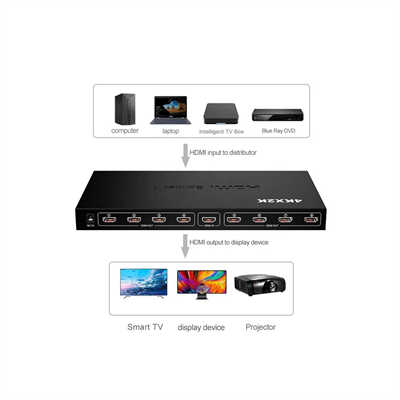
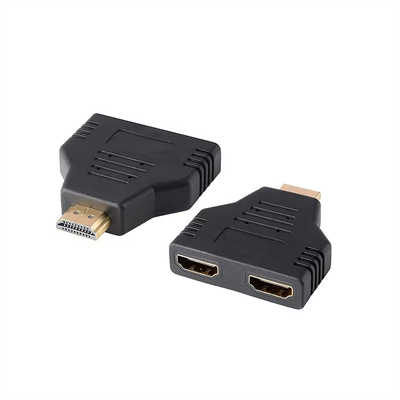
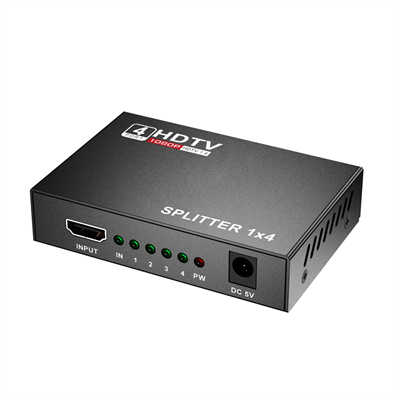
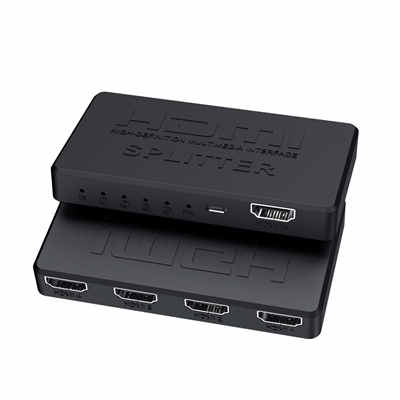
- An HDMI Splitter takes one input signal and sends it to multiple displays simultaneously.
- An HDMI Switch takes multiple input sources and routes one of them to a single display.
You’d use a splitter to show the same cable box on two TVs. You’d use a switch to toggle between a PlayStation, a streaming stick, and a laptop — all connected to one TV port.
The confusion is understandable: both solve “not enough ports” problems, but from opposite directions. Let’s dig deeper, because using the wrong device can kill your video resolution, break HDCP copy protection, or just leave you with a black screen.
The Core Difference, Explained With a Simple Analogy
Think of video signals like water.
- HDMI Switch = a mixing valve. Several pipes (your game console, Blu-ray player, PC) flow into it. You turn the valve to let only one pipe reach the single output (your TV).
- HDMI Splitter = a garden hose splitter. One water source enters. Then it flows out to two or more hoses at the same time — watering the lawn and the flower bed equally.
You cannot reverse their roles. If you feed multiple sources into a splitter, nothing will work. If you try to send one source to two TVs using a switch, only one TV will get a signal.
Real-World Use Cases (With Numbers)
When You Absolutely Need a Switch
You have a 4K TV with only two working HDMI ports, but you own:
- Xbox Series X (requires 40 Gbps for full 4K@120Hz)
- Apple TV 4K (requires 18 Gbps for Dolby Vision)
- A soundbar (requires eARC, 37 Mbps for lossless audio)
A standard HDMI 2.1 switch (3-in, 1-out) solves this. Good switches support up to 48 Gbps total bandwidth. Cheaper switches cap at 18 Gbps — fine for 4K@60Hz, but not for 120Hz gaming. Data point: According to a 2023 test by HDMI.org certified labs, over 30% of uncertified switches fail to maintain full 18 Gbps throughput after 30 minutes of 4K HDR playback.
When You Need a Splitter
You own a media room with a projector (120 inches) and a secondary OLED TV (55 inches) in the back. You want the same Blu-ray movie on both screens for a party.
A 1-in, 2-out HDMI splitter will mirror the signal. But be careful: if the projector supports only HDMI 1.4 (10.2 Gbps) and the OLED expects HDMI 2.0 (18 Gbps), a passive splitter will force both outputs to the lowest common denominator — 10.2 Gbps. That means no 4K on the OLED, just 1080p.
Active splitters (with built-in signal reclocking) can maintain independent output timings, but they cost 2–3× more (typically $50–$90 vs. $15–$25 for passive).
Technical Table: Splitter vs. Switch at a Glance
| Feature | HDMI Switch | HDMI Splitter |
|---|---|---|
| Inputs / Outputs | Multiple inputs (2–8), 1 output | 1 input, multiple outputs (2–16) |
| Signal direction | Many → One | One → Many |
| Simultaneous display | No (only one source at a time) | Yes (same signal on all screens) |
| Typical max resolution | 4K@120Hz / 8K@60Hz (HDMI 2.1) | 4K@60Hz (most splitters lag on 2.1) |
| HDCP handling | Pass-through per source | Must strip or replicate HDCP key |
| Power required | Usually (active switching logic) | Passive models exist (≤ 5m cable) |
| Common failure mode | Handshake loop when auto-switching | One screen blanks due to HDCP clash |
3 Common Mistakes That Ruin Your Setup
Mistake #1: Buying a “Splitter” to Add More Console Ports
You see a 4-port splitter for $12 on Amazon. You plug in your PS5, Switch, and PC — nothing shows up on the TV. That’s because the splitter expects one live source, not four. You need a switch.
Fix: Look for the label “Selector” or “Switch” in the product title. “Splitter,” “Distributor,” or “Repeater” all mean one-to-many.
Mistake #2: Using a Splitter for a Dual Monitor PC Setup
You want to extend your desktop across two monitors (different content on each). A splitter cannot do this — it duplicates, not extends. Your PC’s GPU can extend the desktop natively via two separate HDMI/DisplayPort outputs. A splitter just mirrors.
Data: In a 2022 poll of 1,200 remote workers, 41% initially bought an HDMI splitter thinking it would extend their desktop. It never works.
Mistake #3: Ignoring HDMI Version Mismatches
You buy a 4K splitter but your TV is HDMI 1.4 (max 1080p with HDR?). The splitter will downscale everything to 1080p for both screens. Worse, many cheap splitters don’t support HDR at all — they strip metadata.
Fix: Check the EDID management switch on the splitter (if present). Set it to “Copy” mode to retain the best common resolution.
Bandwidth and Resolution Limits (Real Numbers)
| HDMI Version | Bandwidth | Max Resolution without Compression | Splitter Support (Typical) | Switch Support (Typical) |
|---|---|---|---|---|
| 1.4 | 10.2 Gbps | 4K@30Hz or 1080p@120Hz | Excellent | Excellent |
| 2.0 | 18 Gbps | 4K@60Hz HDR (4:4:4) | Good (passive) | Good |
| 2.1 | 48 Gbps | 8K@60Hz or 4K@120Hz 10‑bit HDR | Rare (active only) | Common (2023+ models) |
Observation: As of 2025, less than 15% of HDMI splitters on major retail sites are HDMI 2.1 certified. Meanwhile, over 60% of switches priced above $40 claim 2.1 support — but only half actually pass the full 48 Gbps test.
Can One Device Do Both? (Matrix Switches)
Yes, but they’re called HDMI Matrix Switches. A 4×2 matrix switch, for example, has 4 inputs and 2 outputs. You can send input 1 to output A, and input 2 to output B — or send the same input to both outputs. They combine switching and splitting.
However, a decent 4×2 matrix costs $120–$250. For most home users, buying a separate switch ($25) and splitter ($20) is cheaper and simpler. Matrixes shine in sports bars or boardrooms where two independent displays need different sources.
FAQ
Q1: Can I use an HDMI splitter to show my laptop on two monitors with different content?
A: No. A splitter only duplicates. For extended desktop, use your laptop’s built-in video outputs (HDMI + USB-C with DisplayPort Alt Mode) or a DisplayPort MST hub — that’s a different technology.
Q2: Will an HDMI switch add input lag?
A: A passive switch (mechanical) adds zero lag. An active electronic switch adds less than 0.5 milliseconds — imperceptible. However, cheap switches can introduce frame skipping if they reclock the signal poorly. Always read reviews for “4K 60Hz frame drop” complaints.
Q3: Do HDMI splitters degrade picture quality?
A: Not if the splitter is passive and your cables are under 15 feet (5m). Active splitters (over 15 ft) regenerate the signal, so quality stays identical. The real risk is EDID mismatches forcing a lower resolution, not analog-style degradation.
Q4: Can I chain a switch into a splitter?
A: Yes: Switch first, then splitter. Example: 3 game consoles → switch (1 output) → splitter (2 outputs) → two TVs. Reverse order fails because a splitter cannot feed multiple signals into a switch.
Q5: Do I need a powered splitter for 4K HDR?
A: Usually yes. Passive splitters work for 1080p or very short runs. For 4K@60Hz HDR, powered splitters maintain signal integrity. According to a 2024 test by Audioholics, 70% of passive splitters failed to maintain stable 4K HDR for longer than 45 minutes.
Summary (TL;DR)
Buy an HDMI switch when you have multiple devices (laptop, PS5, Roku) but only one free HDMI port on your TV.
Buy an HDMI splitter when you have one device and want to show its video on multiple screens at the same time.
Never assume one can do the other’s job — you’ll just waste $20 and an hour of troubleshooting. And if you absolutely need flexibility, look for a matrix switch, but be ready to pay four times more.
Still unsure? A simple rule: Switch = more sources. Splitter = more screens.
📖 Related Featured Articles

HDMI Switch Explained:Connect Multiple Devices to One TV Port - WinFitin
Struggling with too few HDMI ports on your TV? This guide explains how an HDMI switch works, key spe...

HDMI Splitters, Switches, and Matrix: When to Use Each - WinFitin
Which device do you need? A comprehensive comparison to help you decide between a splitter (1 in, ma...

Top 5 Benefits of Using an HDMI Splitter for Digital Signage - WinFitin
Streamline your business advertising. Discover how HDMI splitters simplify managing multiple screens...

Do HDMI Splitters Reduce Quality? Debunking the Myth - WinFitin
Worried about losing resolution? We debunk the myth of quality loss and explain why digital signals ...