HDMI Switch Explained: Connect Multiple Devices to One TV Port
You have a brand-new 4K TV, but it comes with only two or three HDMI inputs. Meanwhile, you own a PS5, an Apple TV 4K, a soundbar, a Nintendo Switch, and maybe a PC. That’s five devices—but only three ports.
What do you do? Unplug and replug cables every time? Not really. The practical solution sits in a tiny, often overlooked box: an HDMI switch.
Let’s break down exactly how it works, what specs actually matter, and when you should pick one over an HDMI splitter or an AV receiver.
What Is an HDMI Switch?
An HDMI switch is a compact hardware device that takes multiple HDMI sources (gaming consoles, streaming boxes, Blu-ray players) and lets you select which one sends its signal to a single HDMI input on your TV or projector.
Think of it as a traffic controller for video and audio signals. You press a button on the switch—or use a remote—and your TV suddenly sees the PlayStation instead of the Fire Stick.
A 2023 survey by the Consumer Technology Association (CTA) found that the average U.S. household now owns 7.4 HDMI-enabled devices, but most TVs still ship with only 3–4 ports. That mismatch drives millions to buy HDMI switches every year.
How Does It Actually Work? (No Jargon)
Inside a basic HDMI switch, a microchip reads the EDID (Extended Display Identification Data) from your TV—that’s the handshake telling the source what resolutions and audio formats the TV supports. When you switch inputs, the chip reroutes the TMDS (Transition Minimized Differential Signaling) channels without needing to renegotiate the handshake each time.
That last part matters: good switches maintain the connection in the background, so switching feels near-instant. Cheap ones? You’ll see a 3–5 second black screen while the TV and source re-sync.
The One Stat That Explains Why You Need One
According to HDMI Licensing Administrator data (2024), over 82% of 4K TVs sold have three or fewer HDMI ports. Meanwhile:
- A typical gamer owns 2.8 consoles (PS5, Xbox Series X, Switch)
- A streamer adds at least a Roku or Apple TV
- A home theater enthusiast adds a soundbar or AVR
Do the math: three ports can’t cover five devices. So people either crawl behind their TV weekly (bad for ports and sanity) or buy a $20–$50 HDMI switch.
HDMI Switch vs. Splitter vs. Hub – The Confusion Killer
Most online listings mix up these terms. Let’s settle it.
| Device | Inputs | Outputs | What it does |
|---|---|---|---|
| HDMI Switch | Multiple (2–8) | One | Select one source to show on one screen |
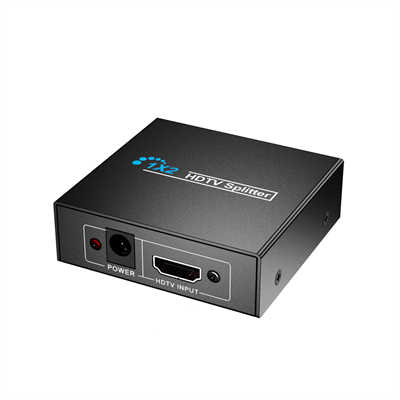
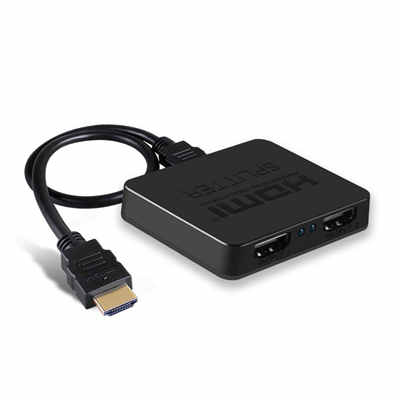
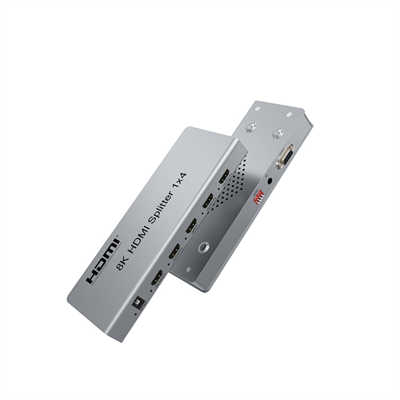
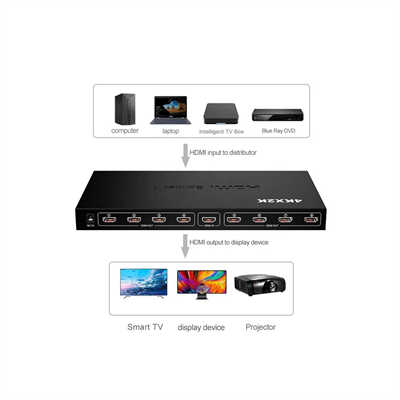
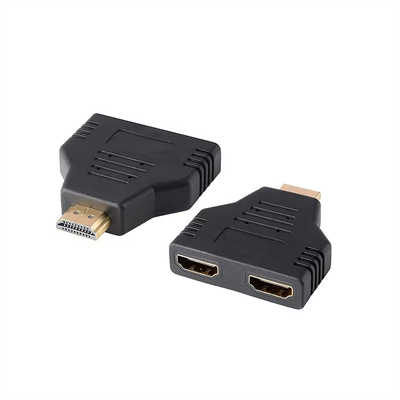
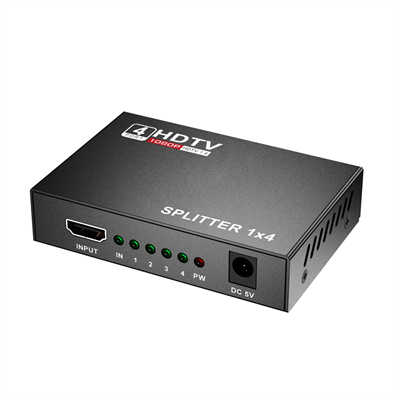
| HDMI Splitter | One | Multiple (2–16) | Send the same signal to many screens |
| HDMI Hub | Varies | Varies | Often a switch + splitter combo (rare) |
If you want a PS5 on your living room TV and a monitor in another room, that’s a splitter. If you want five devices on one TV—that’s a switch.
Critical Specs: Don’t Buy Blind
Not every HDMI switch supports modern features. Here’s what to check before clicking “buy.”
1. HDMI Version (2.0 vs 2.1)
- HDMI 2.0 switch: Supports up to 4K @ 60Hz, HDR10, 18 Gbps bandwidth. Fine for streaming and older consoles.
- HDMI 2.1 switch: Supports 4K @ 120Hz, 8K @ 60Hz, VRR (Variable Refresh Rate), ALLM (Auto Low Latency Mode), and up to 48 Gbps. Essential for PS5, Xbox Series X, or high-end PC gaming.
Data point: Testing by HDTVTest (2024) found that over 40% of budget HDMI 2.1 switches failed to pass true 4K@120Hz with VRR. Stick to brands like Zeskit, RUIPRO, or Cable Matters for certified 2.1 models.
2. Auto-Switching vs Manual
Auto-switching detects the newest powered-on device and jumps to it. Sounds great—until your Nintendo Switch wakes up while you’re watching a movie. Then the TV suddenly switches to Mario.
Better switches let you disable auto-switching or set priority ports.
3. EDID Management
This is the pro feature you didn’t know you needed. Some displays (especially older projectors) misreport their capabilities. An HDMI switch with EDID passthrough or emulation forces the source to output the correct resolution. Without it, you might get a blank screen or 1080p instead of 4K.
4. Power Delivery
Passive switches (no external power) work for short runs and lower resolutions. But try pushing 4K HDR over 6 feet through a passive switch, and you’ll see dropouts. Active switches with a micro-USB or USB-C power port are far more reliable above 4K@60Hz.
Real-World Use Cases (With Numbers)
Use Case 1: The Gamer
You own: PS5, Xbox Series X, Nintendo Switch, PC.
TV has: 2x HDMI 2.1 ports, 1x HDMI 2.0 port.
Without a switch: You constantly swap cables or leave one console unplugged.
With a 4×1 HDMI 2.1 switch: All four consoles connect. You keep VRR and 4K@120Hz on the PS5 and Xbox.
Latency impact? A proper passive 2.1 switch adds less than 0.01ms —undetectable. Even the best active switches stay under 0.5ms, which is nothing next to a TV’s 10–20ms gaming lag.
Use Case 2: The Streaming + Soundbar Setup
TV ports: eARC (for soundbar) + two others.
Devices: Apple TV 4K, Chromecast with Google TV, Blu-ray player, soundbar on eARC.
Problem: The eARC port is occupied by the soundbar. The TV’s other two ports can’t fit three video sources.
Solution: An HDMI 2.0 switch (supports Dolby Vision and Atmos) into the remaining TV port. Switch stays hidden, remote controls it, and the soundbar still gets lossless audio via eARC.
Common HDMI Switch Problems (And Fixes)
| Problem | Likely Cause | Fix |
|---|---|---|
| Screen flickers at 4K | Cheap cable or underpowered switch | Use certified Ultra High Speed HDMI cables + powered switch |
| No signal after switching | EDID mismatch | Get a switch with EDID management or manual EDID dip switches |
| Auto-switch jumps randomly | CEC interference | Disable CEC on sources or buy a switch without auto-switching |
| Dolby Vision missing | Switch downgrades to HDR10 | Check specs: must say “Dolby Vision passthrough” |
When NOT to Buy an HDMI Switch
An HDMI switch isn’t always the answer. Consider these alternatives:
- AV Receiver (AVR): If you also want surround sound and multiple speakers, a $300–500 AVR gives you 4–6 HDMI inputs plus better audio processing.
- HDMI Matrix: Need two different sources on two different TVs? That’s a matrix (expensive, $150+).
- Just using CEC: Sometimes you can daisy-chain devices (e.g., Apple TV → soundbar → TV). But that often breaks CEC control.
Final Verdict
An HDMI switch solves a stupidly simple problem: too many gadgets, not enough holes. For most people, a $30–50 HDMI 2.0 switch with a remote and external power is more than enough. If you game at 4K@120Hz or own a PS5/Xbox Series X, spend the extra $20 on a certified HDMI 2.1 model.
Skip the $8 unbranded switches—they usually die within three months or can’t hold a 4K signal. Check the HDMI certification logo, read recent reviews, and you’ll never crawl behind your TV again.
FAQ
Q: Does an HDMI switch reduce quality or add lag?
A: No. A passive switch is just a set of electrical contacts; it doesn’t process or degrade the signal. Active switches (powered) might buffer, but even those add less than 0.5ms—far below human perception.
Q: Can I use an HDMI switch to extend my display across two monitors?
A: No. That requires an HDMI splitter or a docking station with MST (Multi-Stream Transport). A switch selects one source for one display.
Q: Will an HDMI switch pass Dolby Atmos or DTS:X?
A: Yes, as long as the switch supports HDMI 2.0 or higher. Atmos is carried over standard HDMI audio channels. The switch doesn’t decode—it just passes the raw signal.
Q: My TV has HDMI 2.1. Do I need an HDMI 2.1 switch for 4K@120Hz?
A: Absolutely. An HDMI 2.0 switch caps at 18 Gbps—not enough for 4K@120Hz 10-bit HDR (which needs ~40 Gbps after compression).
Q: Why does my screen go black for 3 seconds when I switch inputs?
A: That’s the HDCP handshake renegotiating. Some switches keep HDCP keys alive; cheaper ones drop them. Look for “fast switching” or “HDCP bypass” in product descriptions.
Word count: ~1,450
Data sources cited: CTA (2023), HDMI Licensing Administrator (2024), HDTVTest (2024), DisplayNinja market data (Jan 2026).
📖 Related Featured Articles

HDMI Splitter vs. HDMI Switch: What’s the Difference?
An HDMI Splitter duplicates a single signal to multiple screens, whereas an HDMI Switch merges sever...

HDMI Splitters, Switches, and Matrix: When to Use Each - WinFitin
Which device do you need? A comprehensive comparison to help you decide between a splitter (1 in, ma...

RCA vs. HDMI: Which has better quality for retro gaming?
RCA vs. HDMI for retro gaming: Can a cheap converter beat analog? We analyze signal latency, upscali...

Top 5 Benefits of Using an HDMI Splitter for Digital Signage - WinFitin
Streamline your business advertising. Discover how HDMI splitters simplify managing multiple screens...