HDMI Splitters, Switches, and Matrix: When to Use Each
You’ve got a few HDMI devices, but your TV or monitor has only one or two ports. So what do you do? You could unplug and replug cables all the time, but that gets old fast. Instead, most people pick a splitter, a switch, or a matrix. They sound similar, but they work very differently. And if you pick the wrong one, you’ll end up frustrated.
Let’s walk through each one, so you know exactly which to buy.
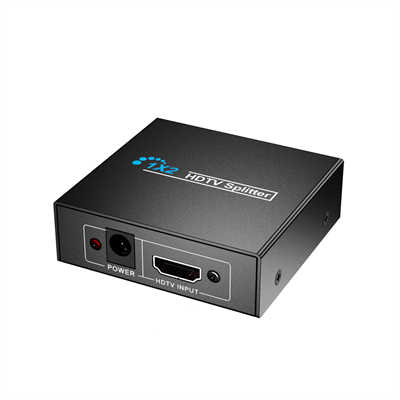
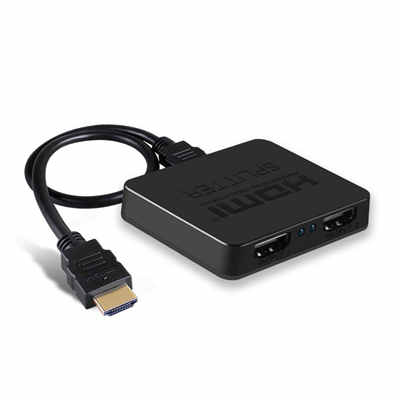
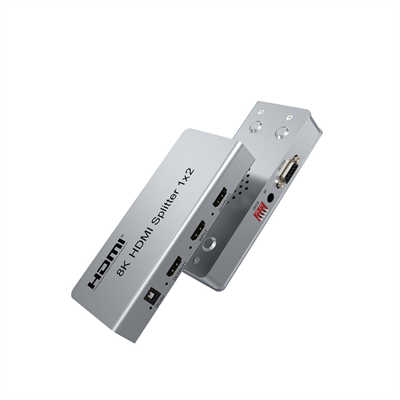
1.0 HDMI Splitter – One Source, Many Screens
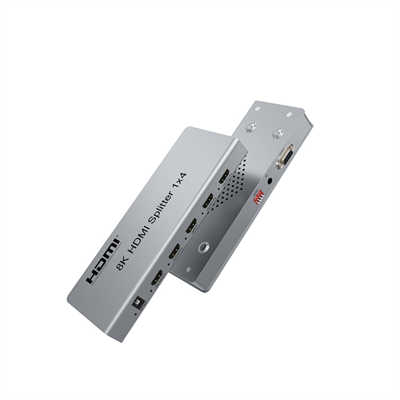
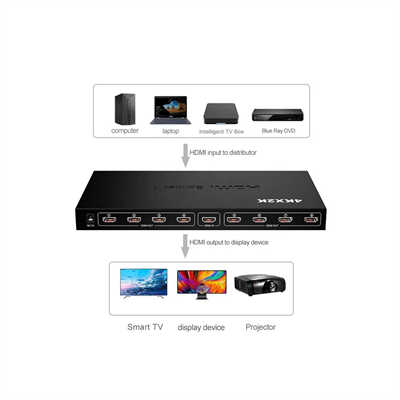
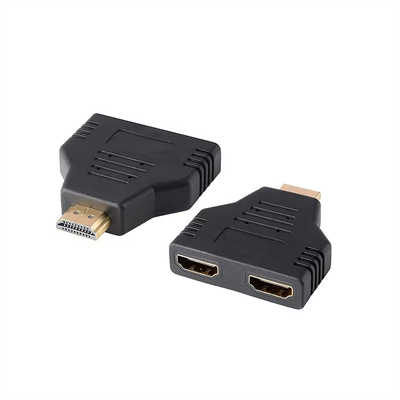
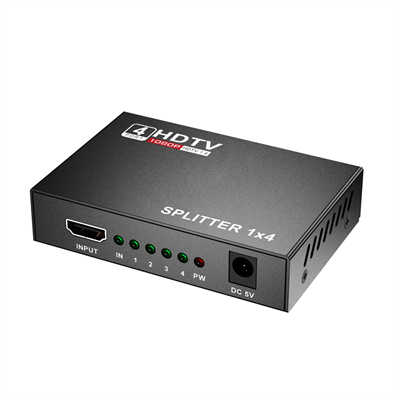
A splitter takes one HDMI signal and sends it to multiple displays. All screens show the exact same image. You cannot watch different things on each screen.
1.1 When do you use a splitter?
Use a splitter when you want the same picture everywhere. For example:
- A digital sign in a store, with the same ad on 4 TVs.
- A classroom where the teacher’s laptop goes to two projectors.
- A sports bar with the same game on 8 screens.
1.2 What to watch out for
Splitters have a limit. A cheap 1×2 splitter (one input, two outputs) usually works fine. But a 1×8 splitter might struggle. Why? The HDMI signal gets weaker each time it splits. For a 1×8 splitter, you often need a powered model – that means it plugs into the wall, not just into HDMI.
Real numbers: A standard HDMI 2.0 splitter can handle 4K at 60Hz, but only up to around 5 meters of cable after the split. Beyond that, you’ll see flickering or black screens. For longer runs, you need an HDMI extender (fiber or CAT6), but that’s a different topic.
1.3 Quick example
You have one Apple TV and two TVs in your living room. You want both TVs to play the same movie. Get a 1×2 HDMI splitter. Costs about $15–$30.
2.0 HDMI Switch – Many Sources, One Screen
A switch is the opposite of a splitter. It takes multiple HDMI sources (like a PS5, a cable box, and a laptop) and sends one of them to a single screen. You push a button or use a remote to change which source you see.
2.1 When do you use a switch?
Use a switch when your TV has too few ports. Most budget TVs come with only 2 HDMI ports. But you might have 3 or 4 devices. For instance:
- A gamer with a PS5, Xbox, and Nintendo Switch, but only one gaming monitor.
- A home office setup with a work laptop, a personal laptop, and a desktop PC, all sharing one monitor.
- A bedroom TV with a streaming stick, a DVD player, and an old game console.
2.2 What to watch out for
Not all switches are equal. Cheap manual switches (under $10) often drop the signal or need you to press a tiny button. Auto-switching sounds nice – it picks the newest device that turns on – but it can get confused. You plug in your laptop, and suddenly it switches away from your game. Annoying.
Also check HDMI version. A switch labeled “4K” might only do 4K at 30Hz. For gaming or smooth video, you want 4K at 60Hz or even 120Hz. Read the fine print.
Real numbers: A decent 4×1 HDMI switch (four inputs, one output) with HDMI 2.0 and remote control costs about $25–$50. A good 5×1 switch with HDMI 2.1 (for 8K or 4K at 120Hz) runs $80–$150.
2.3 Quick example
You have a 2023 Samsung TV with only two HDMI ports. But you own a PS5, a Chromecast, and a soundbar. The soundbar already takes one port. So you need a switch for the PS5 and Chromecast. Get a 2×1 or 3×1 HDMI switch. Costs about $20.
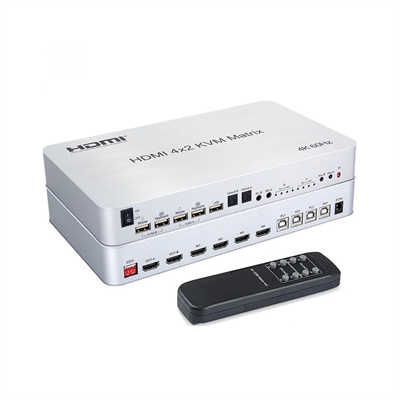
3.0 HDMI Matrix – Many Sources, Many Screens
A matrix is the powerful cousin. It takes multiple sources and sends them to multiple screens – and here’s the key – any source can go to any screen, independently.
A 4×2 matrix means four inputs and two outputs. Output 1 can show source A, while output 2 shows source B. Or both show the same source. You control it with a remote, an app, or sometimes a web interface.
3.1 When do you use a matrix?
You use a matrix when you have more than one screen and more than one person watching different things. Common setups:
- A house with a living room TV and a bedroom TV. One person watches cable in the living room, another plays PlayStation in the bedroom. But the PlayStation is in the living room. A matrix sends the PS5 signal to the bedroom without moving the console.
- A small office with two meeting rooms and three conference laptops. Any room can show any laptop.
- A sports bar with 6 TVs. You want 4 TVs on the game, 1 TV on the news, and 1 TV on the scores. A matrix does that easily.
3.2 What to watch out for
Matrices are expensive. They also need more setup. Most use HDMI over CAT6 (ethernet cables) because HDMI cables get too heavy and too short when you have many outputs. You’ll need to run CAT6 cables in your walls, and you might need a network switch too.
Real numbers: A basic 4×2 HDMI matrix (4 inputs, 2 outputs) with CAT6 extenders starts around $200–$300. A 8×8 matrix (8 inputs, 8 outputs) for a serious home theater or business can cost $1,000–$3,000. But prices have dropped. In 2020, a 4×4 matrix was often $800. Now you can find one for $400 on sale.
Also, check if the matrix supports HDCP 2.2. Without that, Netflix or Disney+ might show a black screen or drop to 480p. That’s a common mistake.
3.3 Quick example
You have a living room TV, a bedroom TV, and a basement TV. You have a cable box, a PS5, and a PC. Sometimes you want the PS5 in the living room, sometimes in the basement. The PC stays in the office, but you want to watch it in the bedroom. A 3×3 HDMI matrix (or a 4×4 for room to grow) solves this. Expect to pay $400–$600.
4.0 Comparison Table – At a Glance
| Feature | Splitter | Switch | Matrix |
|---|---|---|---|
| Inputs | 1 | 2–8 | 2–16 |
| Outputs | 2–16 | 1 | 2–16 |
| Same image on all screens? | Yes | N/A (only one screen) | No (can mix) |
| Different images on different screens? | No | N/A | Yes |
| Typical price (4K, 4 ports) | $15–$40 | $25–$60 | $300–$600 |
| Remote control? | Rare | Often | Almost always |
| Best for | Digital signs, classrooms | TVs with too few ports | Multi-room, sports bars |
5.0 Which One Do You Actually Need?
Ask yourself three questions.
First question: How many sources do you have?
- One source → Splitter
- Two or more sources → Switch or Matrix
Second question: How many screens do you have?
- One screen → Switch (definitely)
- Two or more screens → Splitter or Matrix
Third question: Do you need different content on each screen?
- No, same content everywhere → Splitter (cheap and simple)
- Yes, different content on different screens → Matrix (only choice)
6.0 Common Mistakes to Avoid
Mistake 1: Buying a splitter when you need a switch.
People see “1 in, 2 out” and think it lets two devices share one TV. It does not. A splitter needs one source. You cannot plug a PS5 and a cable box into a splitter. That’s a switch’s job.
Mistake 2: Buying a cheap switch for 4K HDR gaming.
Many cheap switches advertise 4K but secretly drop to 4K at 30Hz or disable HDR. For a PS5 or Xbox Series X, you need HDMI 2.1 for 4K at 120Hz. Check the specs. If it doesn’t say “HDMI 2.1” or “48Gbps”, assume it won’t work right.
Mistake 3: Forgetting about HDCP.
HDCP is copy protection. All modern devices use it. If your splitter, switch, or matrix doesn’t support HDCP 2.2, your 4K Blu-ray or streaming app might not play. You’ll get a black screen or an error message. Look for “HDCP 2.2 compliant” on the box.
7.0 A Real-World Example
Let’s say you’re setting up a small home theater.
You have:
- A 4K TV in the living room
- A 1080p TV in the kitchen (so you can watch while cooking)
- A PS5
- A cable box
- A Fire TV Stick
You want the living room TV to show PS5 or cable or Fire TV. You want the kitchen TV to mostly show cable, but sometimes the PS5.
A splitter won’t work – too many sources.
A switch only handles one screen.
You need a matrix. A 4×2 matrix (4 inputs, 2 outputs) fits perfectly. Inputs: PS5, cable, Fire TV, and one spare. Outputs: living room and kitchen.
Cost: about $250 for a decent 4×2 matrix with HDCP 2.2. Setup takes an afternoon. But once it’s done, you never move cables again.
8.0 Bottom Line
- Splitter ($15–$50): One source to many screens, same picture everywhere.
- Switch ($20–$150): Many sources to one screen, pick what you watch.
- Matrix ($200–$1,000+): Many sources to many screens, different pictures anywhere.
Most homes only need a switch. Most offices and bars need splitters. Only serious multi-room setups or commercial spaces need a matrix.
If you’re still unsure: start with a switch. They’re cheap, easy, and fix the most common problem (not enough ports on your TV). You can always add a splitter later if you get a second screen.
📖 Related Featured Articles

HDMI Splitter vs. HDMI Switch: What’s the Difference?
An HDMI Splitter duplicates a single signal to multiple screens, whereas an HDMI Switch merges sever...

HDMI Switch Explained:Connect Multiple Devices to One TV Port - WinFitin
Struggling with too few HDMI ports on your TV? This guide explains how an HDMI switch works, key spe...

Using a 2x2 HDMI Matrix for Dual Monitor Productivity: A Practical Guide
Learn how a 2x2 HDMI matrix switch can streamline your dual monitor workflow. Covers productivity da...

How to Set Up a 4x4 HDMI Matrix for a Home Automation System
Learn how to set up a 4x4 HDMI matrix for your home automation system. This guide covers hardware se...